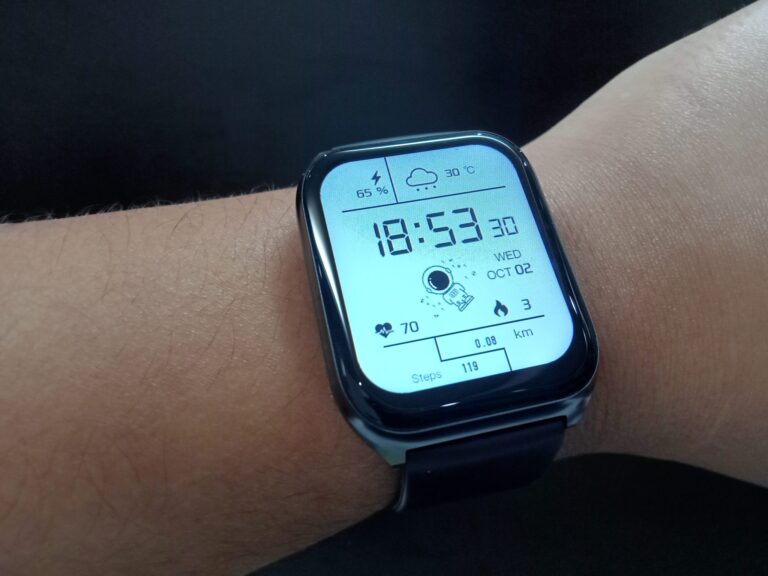
Health apps can do a lot of useful jobs. They can help you record what you eat, remind you to drink water or take your tablets, guide a short meditation or store notes for your next appointment. The trouble is that app stores are packed with choices, and it is not always clear which ones are dependable and which just have clever advertising. Spending a few minutes checking an app first can save you money and time and keep your private details safe.
Find Out Who Built It
First, look at the company or group behind the app. Tools made or checked by hospitals, universities, public health agencies or trained health workers are usually a better place to begin. A good app will say clearly who made it and where its health facts come from, either in the store listing or on its website.
Take care with any app that claims amazing results, instant fixes or cures. Reliable health tools use calm, plain wording and suggest you speak to a professional before making big choices.
Look Closely at Privacy
Information about your health is very personal and needs extra protection. Before you create an account, read through the privacy policy, even if you only look at the key parts.
- Which details does the app gather, and for what reason?
- Does it pass on or sell your information to other businesses?
- Is it simple to close your account and remove your data?
- Is it asking for access it does not seem to need, like your contacts or location?
When those answers are vague or buried, it may be wiser to pick a different app.
Check Reviews and Recent Updates
Comments from other users often show how an app behaves day to day. Watch for repeated complaints about crashes, surprise charges or too many ads. See when it was last updated as well, because frequent updates usually mean the makers are fixing bugs and keeping it secure.
Try Before You Pay
Lots of apps have a free version with extra features you can buy. Test the free part first to see if it really helps before you sign up for a monthly plan.
Choose One That Suits You
The right app is the one you will keep using. Go for something clear, easy to read and focused on the goal that matters most to you. If you live with a long term health condition, ask your doctor, nurse or pharmacist if they can suggest an app that works well with your care.
Apps can support your wellbeing, but they cannot take the place of expert advice, especially if you notice new or worrying symptoms.
At WhatsOnTech we want you to enjoy health tech with confidence. Explore our health technology section for more guides, and learn how the WHO approaches digital health.
This article is general information only and is not medical advice.